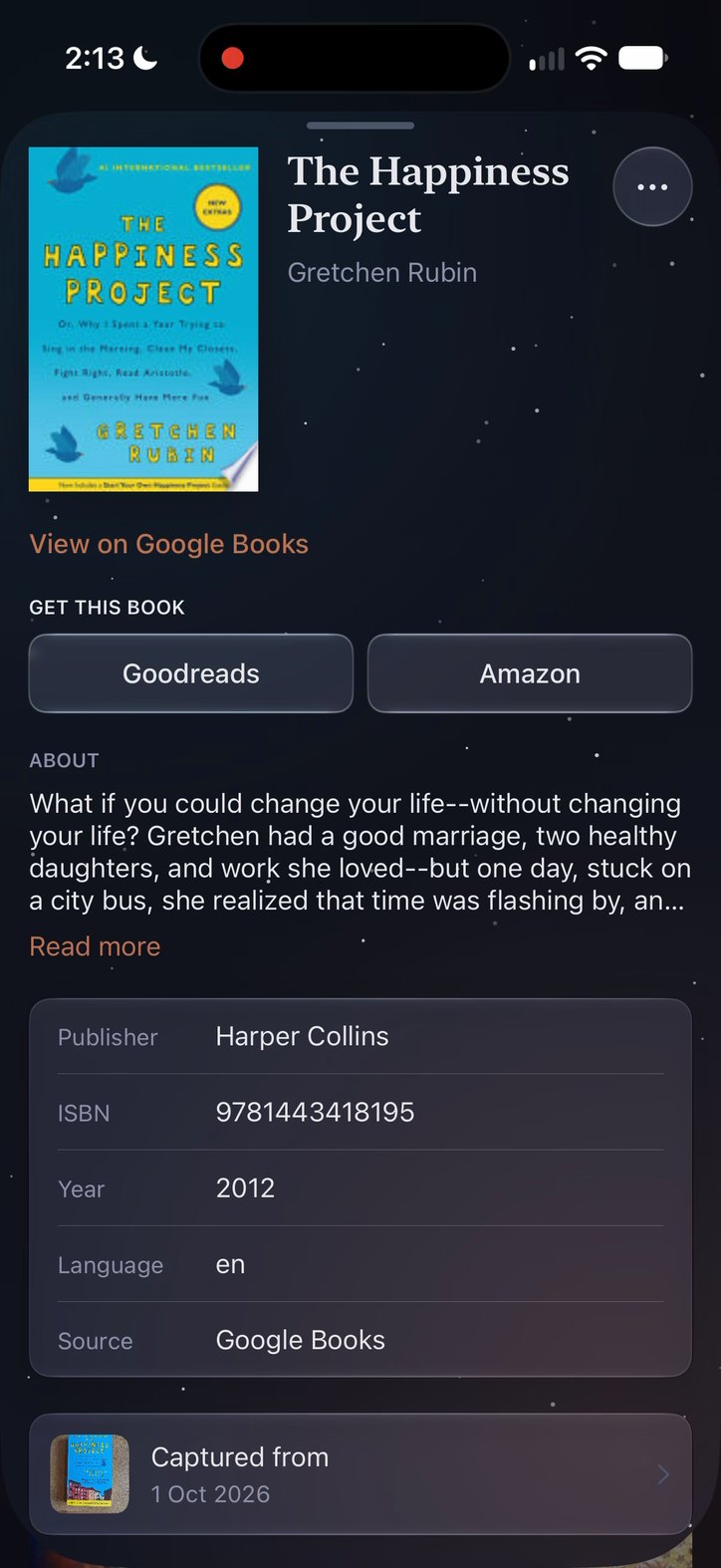
Does it work with screenshots?
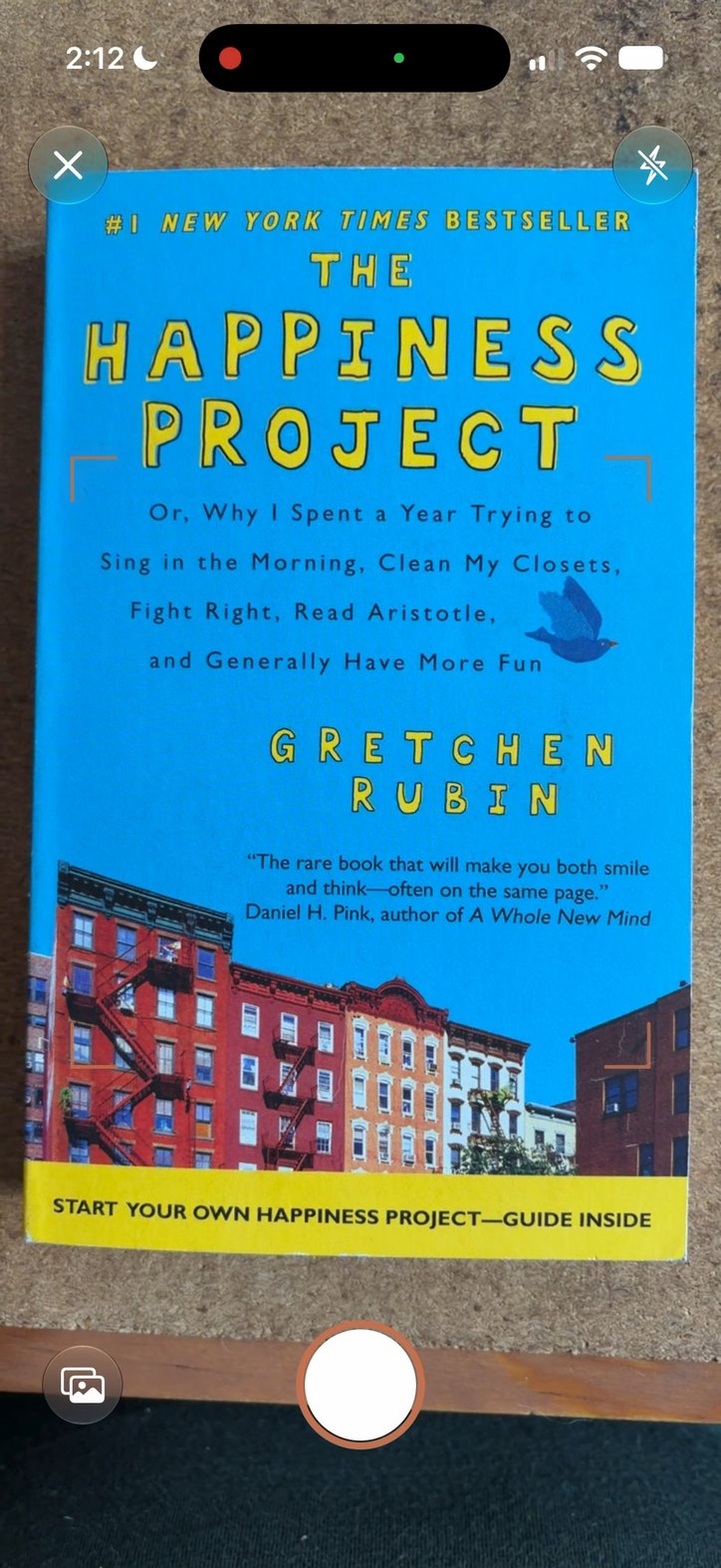
Yes, when the post shows the book's cover. Pick the screenshot from your photos and Starsill identifies the book. If a post only names the book in text, search for it by title instead.
Will it recognize my book?
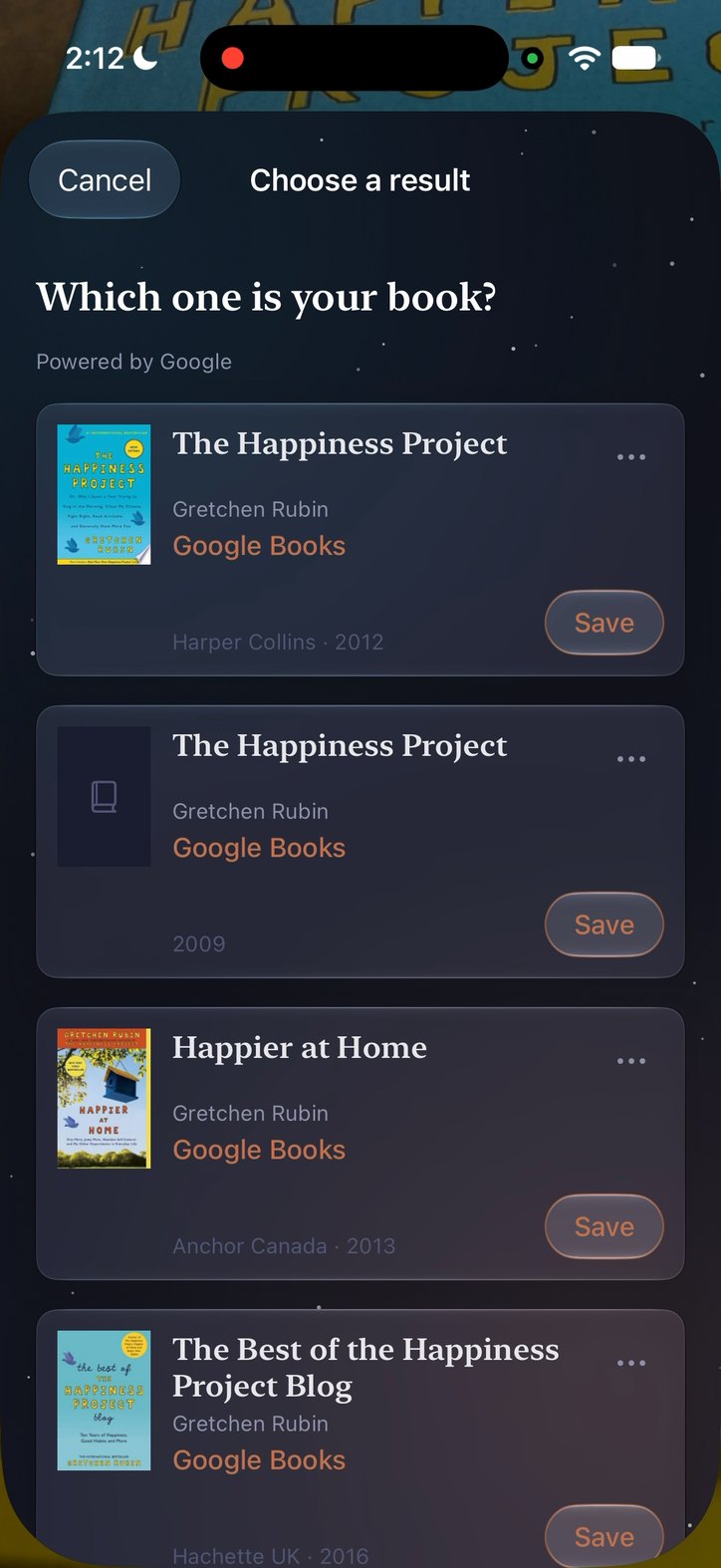
It works from a photo of the cover. Matches come from book catalogs, so if several come back, you choose the one you mean. If Starsill can't identify a book, the photo waits in your Inbox for another try or a manual search, and the attempt doesn't count.
Will it find my exact edition?
Not always. Starsill identifies the book, then shows matches from book catalogs with each one's cover, publisher and year, so you can choose the one closest to yours or check its details first. If the ISBN shows in your photo, Starsill looks for that ISBN first. If none of the matches is right, tap “It's none of these” and add what you know, such as the ISBN, publisher or edition, to search again.
Do I need an account?
No. There's no account, no sign-up and no email address.
What happens after my ten free saves?
Your library, Inbox, search and export stay open. New captures wait until your free saves refresh next month, or you can go unlimited with a subscription.
Where is my library kept? What if I change phones?
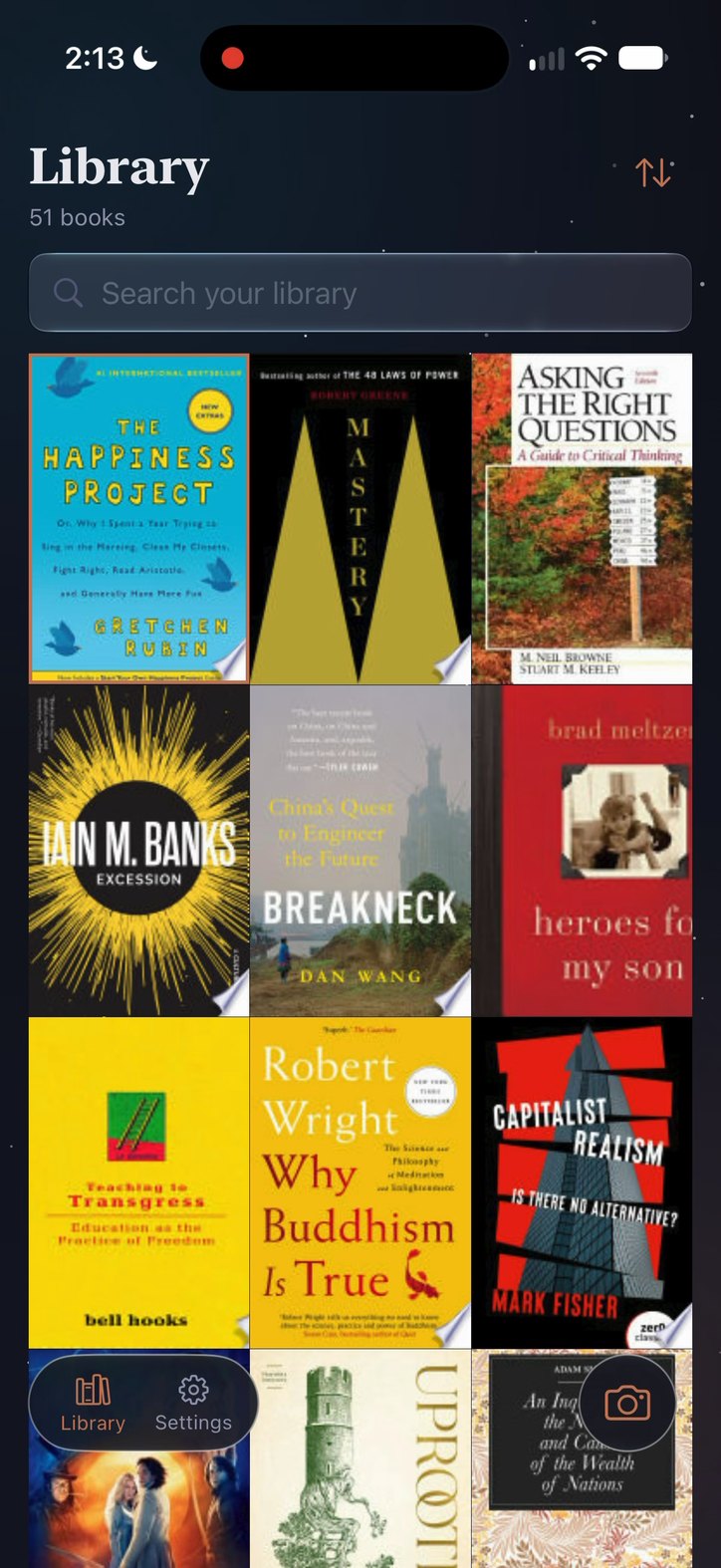
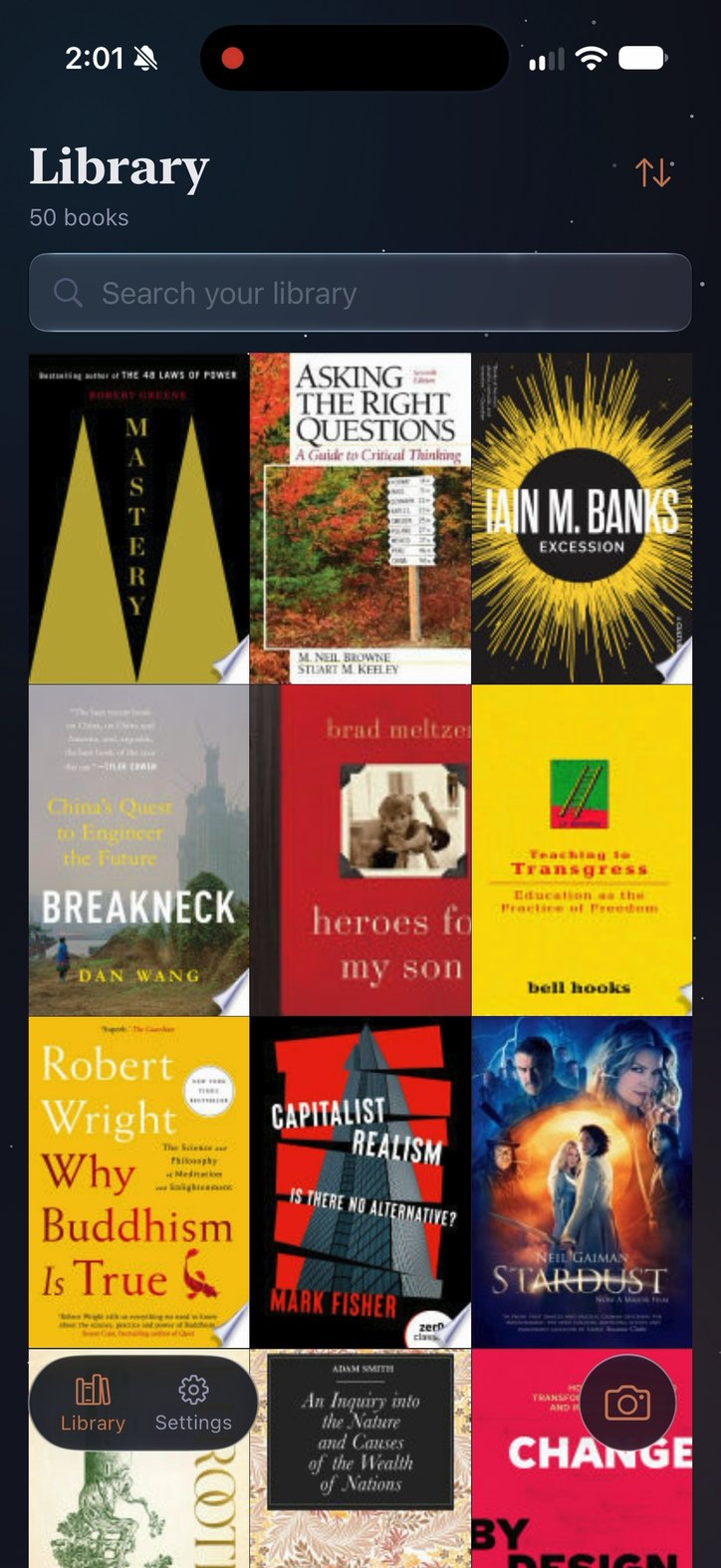
On your iPhone. It's included in your device or iCloud backups. You can also export it from Settings as a standard JSON file and import it into Starsill on another iPhone. Exports include book details and any saved location, not your photos. There's no sync between devices.
Is it a reading tracker?
No. It's for the books that catch your attention, not a record of what you've read.
Can I open a book in Goodreads or Amazon?
Yes. Each book's page has Goodreads and Amazon buttons. Starsill opens a search for that book on the site: by ISBN when it has one, otherwise by title and author. It doesn't sign in for you or add the book to your shelves.
Does Starsill use analytics?
Only if you choose. They're off until you decide in the app, and you can change your choice in Settings. Starsill's own events don't include book titles, authors, ISBNs, recognized text, photos or saved locations. TelemetryDeck, the analytics service, also receives a per-install identifier and standard device information.
Which languages and devices?
English and Spanish, on iPhone with iOS 18 or later.